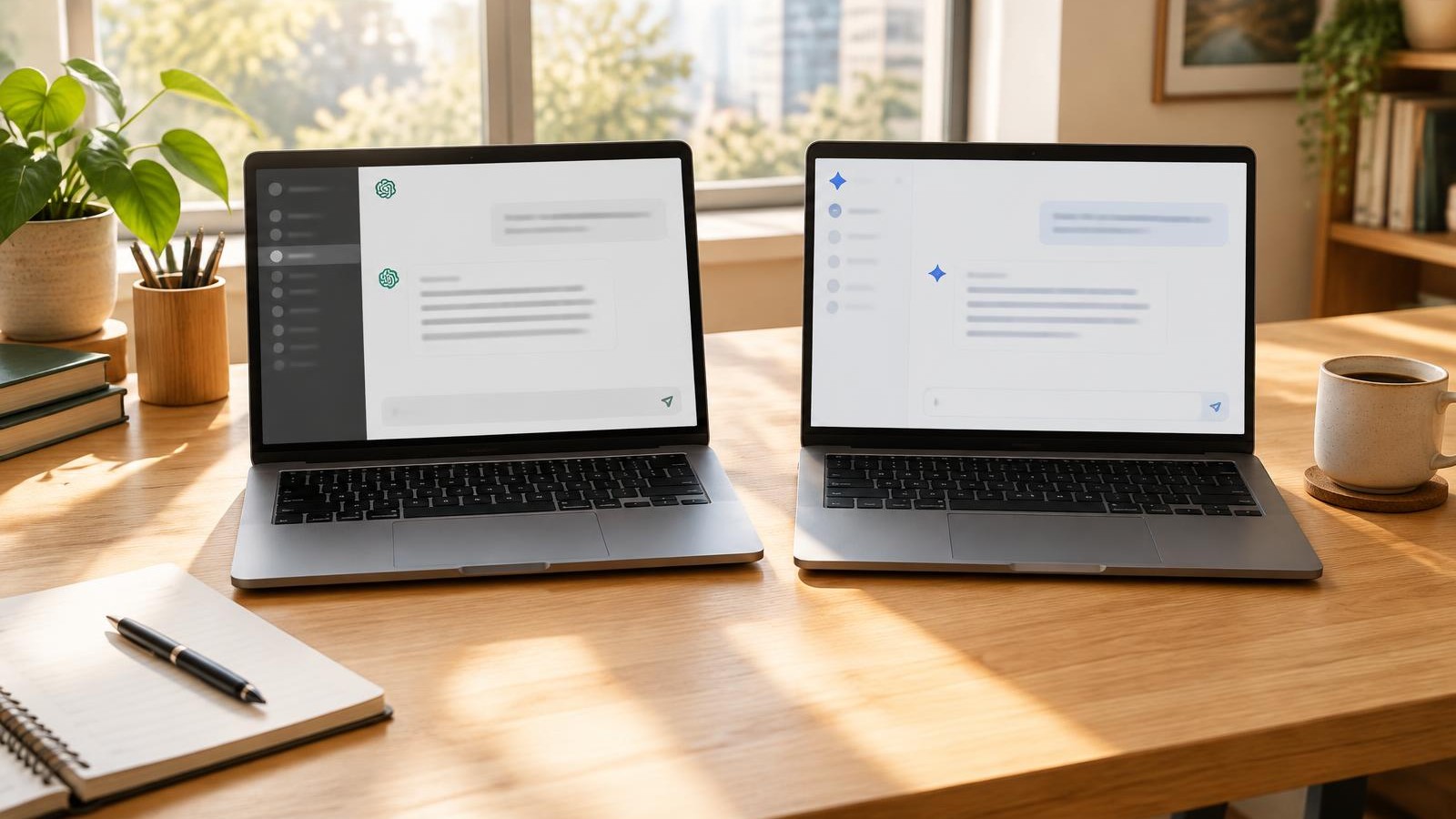
The short answer: Both are strong, and their small team plans cost the same at the time of writing. Choose Claude if most of your AI work is writing, long documents and keeping business context organised in one place. Choose ChatGPT if you need built-in image generation, or your team already lives in it.
Full disclosure before we start: I am a Claude specialist and I teach founders to use it, so read my bias with that in mind. I have tried to be fair, and I say clearly where ChatGPT wins.
Every fact below comes from OpenAI's and Anthropic's own pages, linked so you can check them. Prices are at the time of writing (October 2026) and can change, so confirm before you buy.
Which is better for small business, ChatGPT or Claude?
Neither is better across the board. ChatGPT (made by OpenAI) is the more all-round tool, with image generation built in. Claude (made by Anthropic) is my pick for writing, document-heavy work and structured business context.
For most founders, the deciding factor is not features. It is which one you will set up properly and open every day. A well-configured tool you use beats a "better" tool sitting in a tab.
How do ChatGPT and Claude plans compare for small teams?
For small teams, the headline prices are now identical: both charge $20 per user per month on annual billing for a standard business seat, or $25 monthly, with a two-seat minimum.
Claude (at the time of writing, October 2026):
- Pro: $17 a month billed annually ($200 up front), or $20 billed monthly (Claude pricing).
- Max: from $100 a month, for much heavier individual use.
- Team: standard seats at $20 per seat per month annually or $25 monthly; premium seats at $100 annually or $125 monthly. Minimum two seats, aimed at teams of 2 to 150. Includes SSO, central billing and admin controls.
ChatGPT (at the time of writing, October 2026):
- Plus: $20 a month (OpenAI Help Centre). A higher-priced Pro tier also exists.
- Business: $20 per user per month billed annually or $25 monthly, minimum two users, aimed at teams of 2 to 200 (OpenAI Business pricing). Premium seats are $100 annually or $125 monthly. Includes SAML SSO and an admin console. OpenAI notes prices vary by region (OpenAI Help Centre).
If you are a solo founder, the individual plans (Claude Pro or ChatGPT Plus) are where to start. Move to Team or Business once a second person needs access to shared work.
Is Claude better than ChatGPT for writing?
In my experience, yes, especially for writing that needs to sound like a specific person. This is a judgment call rather than a measurable fact, so test it yourself: give both the same brief and the same three samples of your writing, and compare.
My view: Claude's drafts tend to need less editing to sound natural, and it follows tone instructions closely. ChatGPT is quick, versatile and very good at brainstorming lots of options. Both improve hugely once you give them examples of your own writing.
Which handles long documents and file uploads better?
Both handle large files well. The bigger difference is how each stores files inside Projects.
Claude accepts files up to 500MB each, up to 20 files per chat, and PDFs up to 1,000 pages (Claude Help Centre). Files added to a Project can be up to 30MB each, with no fixed number of files, as long as the content fits within Claude's context window. On paid plans, when Project knowledge nears that limit, Claude automatically switches to a retrieval mode that expands capacity (Claude Help Centre).
ChatGPT allows files up to 512MB, with text documents capped at 2 million tokens per file and spreadsheets at roughly 50MB (OpenAI Help Centre). Projects hold up to 20 files on Plus and 40 on Business.
If you work with a big library of reference documents (brand guidelines, SOPs, past proposals), Claude's approach to Project knowledge is more flexible. For one-off uploads, they are close.
How do Claude Projects and ChatGPT Projects compare?
Both offer Projects: workspaces that keep related chats, files and instructions together. Both let teams share Projects on their business plans.
In Claude, everything you add to a Project's knowledge and instructions is used across every chat in it. Projects are available on every plan, including free accounts (up to five). On Team and Enterprise, you can share a Project with "can use" or "can edit" permissions (Claude Help Centre).
ChatGPT Business includes Projects and shared Projects (OpenAI Business pricing). The practical difference is mainly the file limits covered above.
Which has better integrations and connectors?
Both connect to the tools small businesses use most, including Google Drive, Slack and Microsoft 365.
Claude's connectors let it search your files, retrieve data and take actions in connected apps, using your existing permissions. Examples include Google Drive, Slack and Linear, with Gmail, Google Calendar, GitHub and Microsoft 365 also supported. On Team plans, an owner enables each connector before members connect their own accounts (Claude Help Centre).
ChatGPT Business connects to Google Workspace, Slack, GitHub, Microsoft 365 and more, and can connect to internal tools (OpenAI Business pricing).
Check that your specific tools are supported before you commit. That matters more than the total number of integrations.
Which is better for data privacy on business plans?
On their business plans, both say they do not train on your data by default. The bigger risk is founders using personal plans for client work without checking their settings.
- Claude Team and Enterprise: Anthropic states that by default it does not use inputs or outputs from its commercial products to train its models (Claude Privacy Centre).
- ChatGPT Business and Enterprise: OpenAI states it does not train on your organisation's data by default (OpenAI business data).
- Personal plans: Claude Free, Pro and Max users choose whether their chats are used for training, and can change it in privacy settings (Anthropic). ChatGPT trains on conversations unless you turn off "Improve the model for everyone" under Data Controls (OpenAI Help Centre).
No AI tool is risk-free. Read your provider's policy, check your settings, and remove client names and personal details where you can.
Can Claude generate images like ChatGPT?
No. This is ChatGPT's clearest advantage. ChatGPT includes image generation on Plus (OpenAI Help Centre) and Business (OpenAI Business pricing).
Claude does not generate photos or illustrations the way image tools do. It can create diagrams, charts and interactive visuals using code, and it can analyse images you upload (Claude Help Centre). If you need quick social graphics or mock-ups inside your AI tool, ChatGPT wins. I pair Claude with Canva for graphics instead.
ChatGPT vs Claude at a glance
| Feature | Claude | ChatGPT |
|---|
| Individual plan (Oct 2026) | Pro: $20/month, or $17/month annually | Plus: $20/month |
| Small team plan (Oct 2026) | Team: $20/seat/month annually, $25 monthly, 2-seat minimum | Business: $20/user/month annually, $25 monthly, 2-user minimum |
| Writing in your voice | My pick: follows tone closely | Strong, very versatile |
| Max file size in chat | 500MB, PDFs up to 1,000 pages | 512MB, 2M tokens per text file |
| Project files | 30MB each, no fixed count, retrieval mode on paid plans | 20 files (Plus), 40 (Business) |
| Shared Projects | Team and Enterprise | Business |
| Connectors | Google Drive, Slack, Gmail, Microsoft 365 and more | Google Workspace, Slack, Microsoft 365 and more |
| Training on business plan data | Not by default | Not by default |
| Image generation | No (diagrams and charts only) | Yes, built in |
| SSO on team plan | Yes | Yes |
Which should you pick?
Use this list. Go with the first line that sounds like you.
- Your work is mostly writing (emails, proposals, content, client updates): pick Claude.
- You work with lots of long documents or reference files: pick Claude.
- You need images generated inside the tool: pick ChatGPT.
- Your team already uses ChatGPT daily and it is working: stay with ChatGPT. Switching costs you more than any feature difference.
- You want one place that holds your business context and voice: pick Claude and set up a Project properly.
- You cannot decide: use the free version of both for one week on the same three real tasks, then pay for the one you kept opening.
Paying for both is fine if you use both. Paying for both "just in case" is how subscriptions multiply. My list of tools that actually give founders their time back covers how to avoid that, and my OBM tool stack shows the handful I actually run.
Key takeaways
- At the time of writing (October 2026), Claude Team and ChatGPT Business cost the same: $20 per seat per month on annual billing.
- Claude is my pick for writing, document-heavy work and organised business context. I am a Claude specialist, so test it yourself.
- ChatGPT wins on built-in image generation and is a very capable all-rounder.
- Both business plans say they do not train on your data by default. Check settings on personal plans.
- The best tool is the one you set up properly and use daily, not the one with the longest feature list.
Frequently asked questions
Should I use ChatGPT and Claude together?
You can, and some founders do: Claude for writing and documents, ChatGPT for images. Only pay for both if you genuinely use both each week. Otherwise, pick one and set it up properly.
Which is easier for beginners, ChatGPT or Claude?
Both are easy to start with: you type a question and get an answer. The learning curve is in setting up Projects, instructions and connectors so the tool knows your business. That setup takes about the same effort in either.
Is ChatGPT or Claude better for ADHD founders?
Neither tool is designed for ADHD specifically. What helps is a workflow that cuts decisions: one tool, one Project with your business context, and a few saved prompts you reuse. Pick whichever you find less distracting to open, then stick with it.
Can I switch from ChatGPT to Claude easily?
Yes. Your main job is moving your context: business details, writing samples and instructions. Gather those into a document, add it to a Claude Project, and test it on real tasks for a week.
Do I need a team plan if I am a solopreneur?
No. Team and Business plans need at least two seats. A solo founder is usually best served by Claude Pro or ChatGPT Plus, then upgrading once someone else needs shared access.
Does it matter which AI my VA uses?
It helps if you both use the same one, so you can share Projects and instructions. If your VA uses a different tool, make sure your voice guidelines and SOPs are in a document either tool can read.
Want help getting set up?
If you have picked Claude (or want to try it properly before deciding), Claude 101 is $99 for 60 minutes one-to-one. We set up your Project, your voice and your first real tasks, and you leave with a working setup rather than another tab you never open.
Not sure what AI should even be doing in your business yet? Start with how to decide who gets each task, read more about Claude for business, or book a free call.
Want this set up in your own business?
Book Claude 101Not sure where to start? Book a free call.